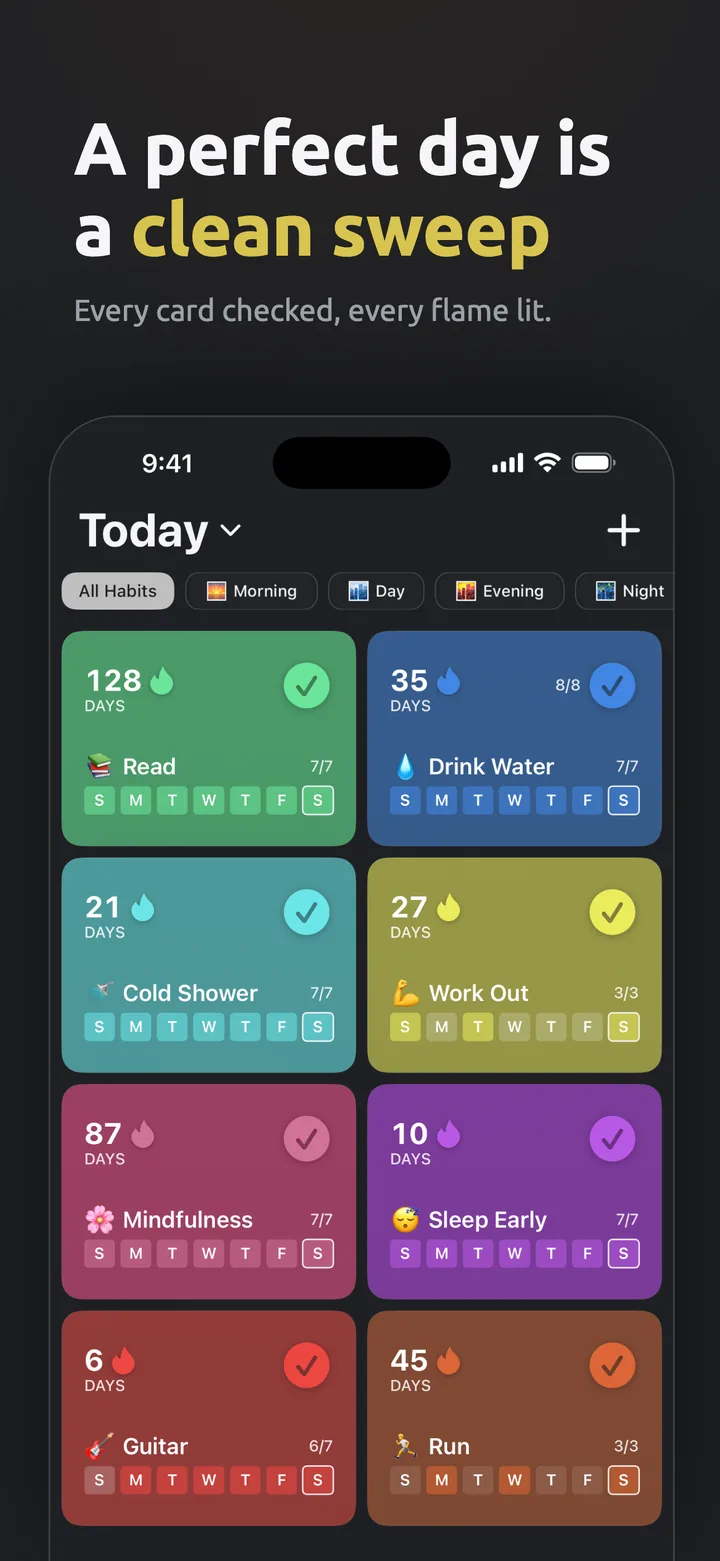
Set up your routine
Daily, weekly, or custom. Apple Health can track some for you.
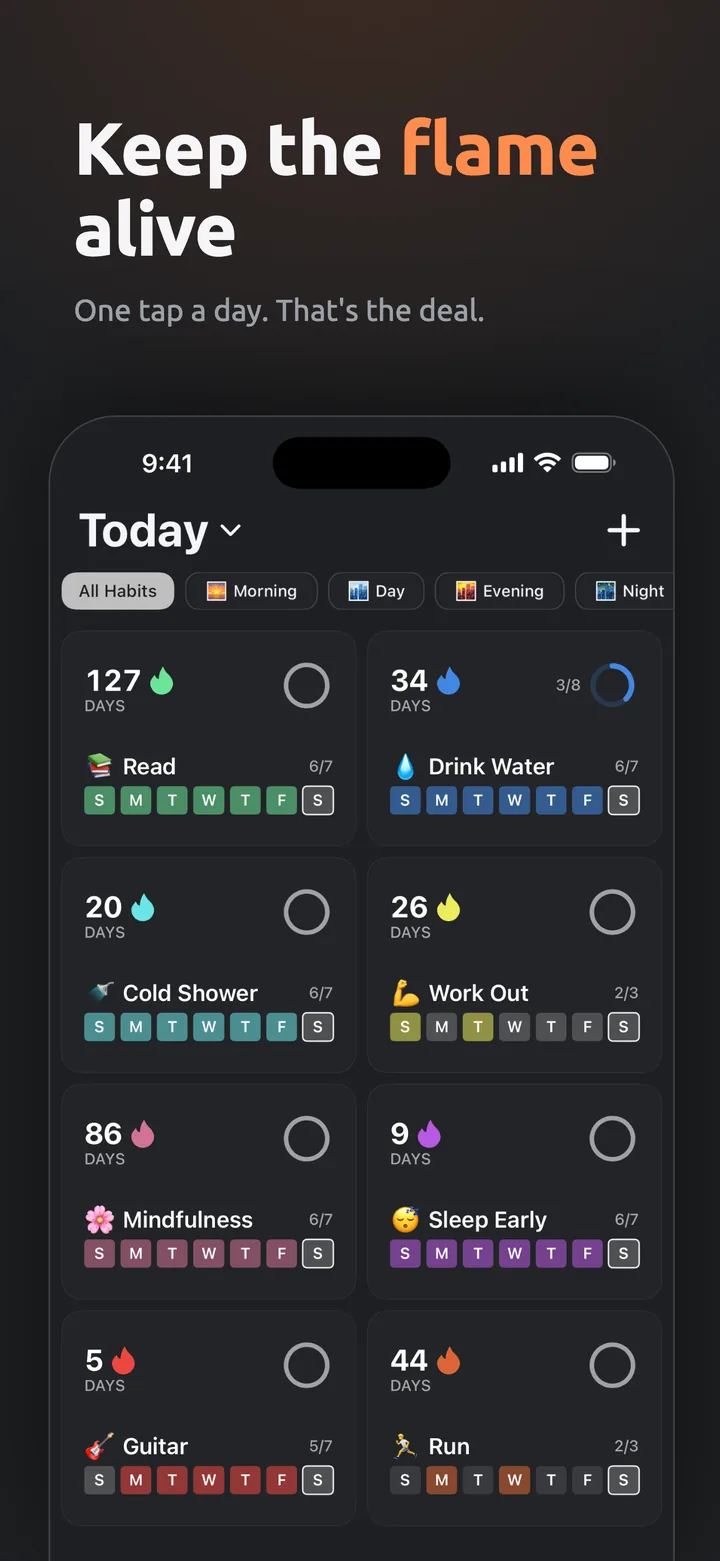
Show up each day
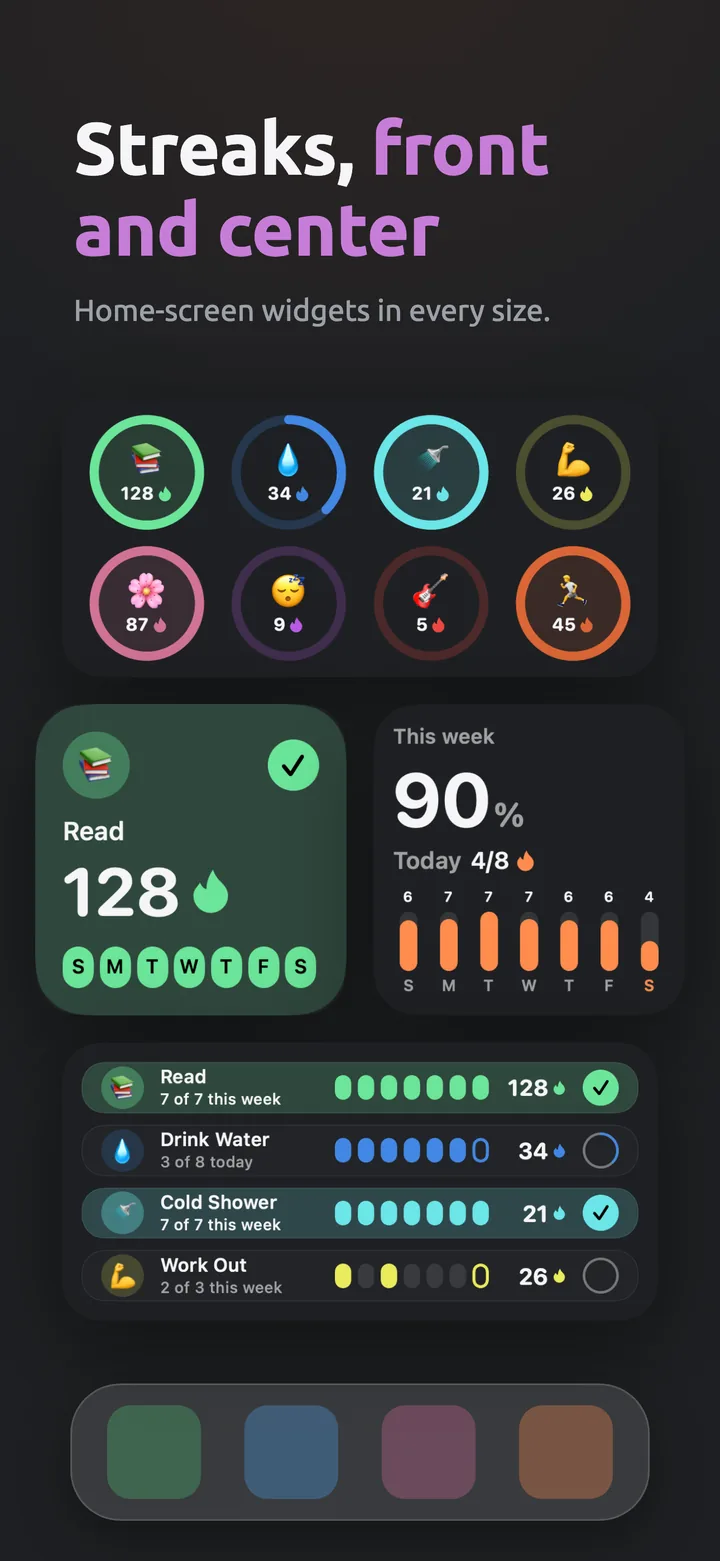
One tap to check in. Widgets keep your streak in sight.
Protect your momentum
Streak protection and vacation planning save your streak when life happens.
Everything you need to build better habits
Progress you can see. Rewards that matter.
Track Progress
Streak counters, rings, and a full calendar.
Apple Health
Steps, workouts, sleep, and more log themselves.
Apple Watch
Check in from your wrist.
Home Widgets
Five interactive widget styles.
Streak Protection
Earned protection covers a missed day.
Vacation Planning
Pause streaks while you travel.
Statistics & Records
Completion rates and personal bests.
Milestone Icons
Open Ember daily to unlock 14 app icons.
Smart Reminders
Skipped when you’re already done.
Flexible Scheduling
Any days, any daily target.
iCloud Sync
All your devices, no account.
19 Languages
Fully localized.
Need help?
Bug, question, or idea? I read every email.
support@edgarpielb.com Typical response within 24 hoursRestore purchase: Settings → Premium → tap your plan → Restore Purchases
Back up: Settings → Data → Backup & Sync → Export Backup
iCloud sync: automatic when you’re signed in to iCloud
Reminders: edit a habit → Add Reminder
Sync is automatic. Sign in to iCloud with the same Apple ID on each device. You can check it in Settings → Data → Backup & Sync.
Plan it in Settings → Premium → Vacation Planning. Streaks pause for the dates and habits you pick.
Sign in with the same Apple ID, then go to Settings → Premium, tap your plan, and choose Restore Purchases.
Yes. Set the habit’s Goal above 1 and tap to count up. The streak counts once you hit it.
iCloud sync keeps a copy automatically. For a file: Settings → Data → Backup & Sync → Export Backup.
Set them per habit. They skip automatically if you’re already done.
14 app icons you unlock by opening Ember daily, from Wood (day 3) to Legend (day 1,000). Premium lets you use them.
Free for up to 6 habits. For more, choose weekly, monthly, or a one-time lifetime purchase you keep forever.